Choose one clear photo.
Use a well-lit, front-facing portrait of yourself or a consenting adult as the starting image for your Bulin 47 video.
ONE CLEAR PORTRAITCREATE AI FREESTYLE FROM YOUR PORTRAIT
One photo. Your Bulin 47 moment.
Create your own Bulin 47 video with our AI video generator. Upload a photo of yourself or a consenting adult, choose 6 or 15 seconds in 480p or 720p, and download a vertical MP4 for TikTok, Reels or Shorts.
Start with your photoDeveloper Debug is on. This request uses test credits and a simulated sample. Change mode
Your photo uploads only after you choose Generate. Use a photo of yourself or a consenting adult.
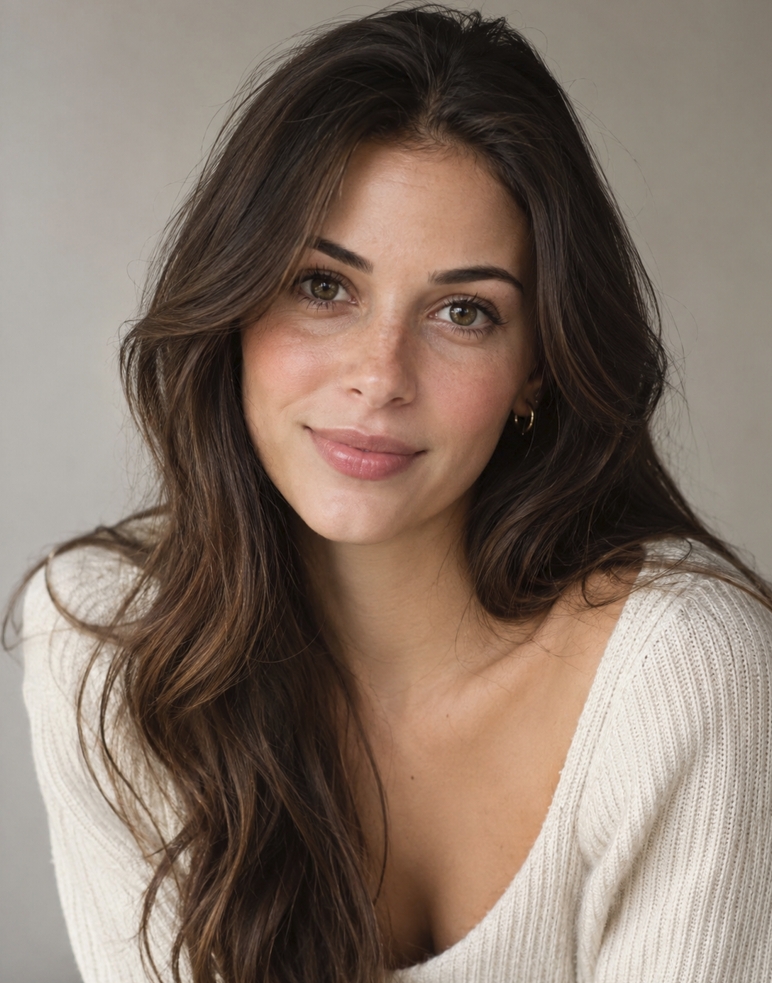 Source photo
05 / BEFORE YOU UPLOAD
A clear portrait gives the Bulin 47 video a stronger starting point. Keep the input simple, even if your personality is anything but.
If a Bulin 47 AI video looks different from the person in the photo, check the input before making another attempt. A front-facing picture with clear eyes, hair and shoulders usually gives the model more useful information than a distant screenshot or a heavily filtered selfie. Fast turns and hands crossing the face can still introduce visual errors. Watch the whole result before deciding whether to generate another version.
Try your photo privately02 / THE SHORT ANSWER
The Bulin 47 video is a vertical freestyle performance people recreate and share. Its camera, crowd and choreography inspire personal AI videos created from portraits of consenting adults.
The Bulin 47 video maker generates an AI freestyle video based on your own portrait or a photo of a consenting adult, with a prepared scene guiding the movement and camera. Choose your settings without writing a prompt. The result is AI-generated and does not depict an actual performance by the person pictured.
About the Bulin 47 video03 / MAKE A BULIN 47 VIDEO
Three steps to your own Bulin 47 video.
One photo is all you need to start.
Use a well-lit, front-facing portrait of yourself or a consenting adult as the starting image for your Bulin 47 video.
ONE CLEAR PORTRAITChoose approximately 6 or 15 seconds in 480p or 720p for your vertical video. The freestyle scene guides the movement, so you do not need to write a prompt.
YOUR FREESTYLE SETTINGSYour Bulin 47 video downloads as an MP4. Review your video and publishing rights before sharing on TikTok, Reels or Shorts.
DOWNLOAD YOUR MP404 / LENGTH & QUALITY
Choose an approximately 6- or 15-second Bulin 47 AI video in 480p or 720p. Compare the credit cost of each vertical 9:16 MP4 setting below before you generate.
Swipe or scroll the table to compare all video settings.
| Video setting | Credits per video | When to choose it |
|---|---|---|
| 6 seconds · 480p | 10 | A lower-credit first try with a shorter moment |
| 6 seconds · 720p | 20 | A short cut with a larger frame |
| 15 seconds · 480p | 25 | More of the movement with a lower credit cost than HD |
| 15 seconds · 720p | 50 | A longer cut in the available HD resolution |
Choose the 6-second Bulin 47 video if you want a compact result, or if you are comparing how different portraits look in motion. The 15-second option gives the scene more time to develop and may suit a longer TikTok or Reel. Both lengths are approximate; the finished file can be slightly shorter than the setting, and neither is the complete original freestyle recording.
720p produces a larger frame than 480p, which can be useful when you want to inspect details or share the result. It does not guarantee that every face, hand or movement will look more accurate. A sharp, unobstructed starting photo matters at either resolution. If you are unsure, compare the required credits before choosing.
The Mini pack is $4.99 for 20 credits, paid once with no recurring subscription. Choose a setting your balance can cover using the credit costs above. You can add another pack when you need more credits. Selecting and previewing your photo costs no generation credits; making the finished AI video does.
Compare all current credit packs →01 / AI SCENE EXAMPLES
Six versions of the original freestyle scene, each with a different fictional, AI-generated adult lead.
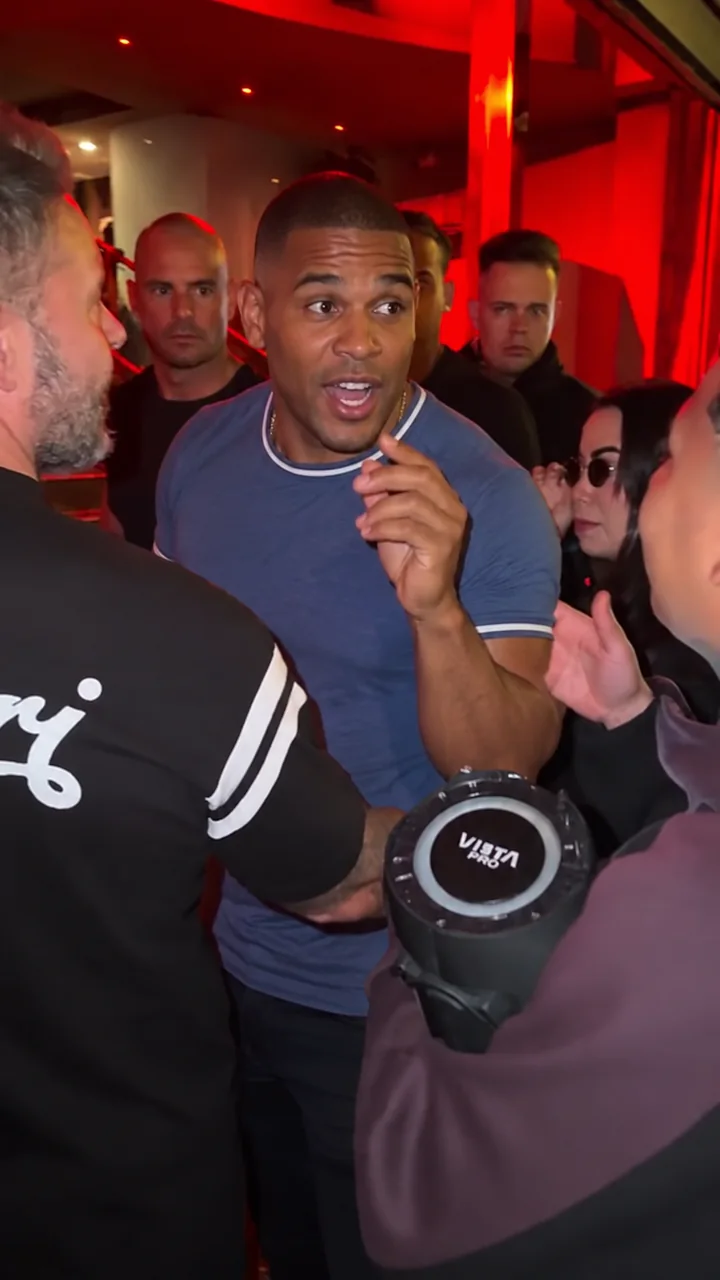
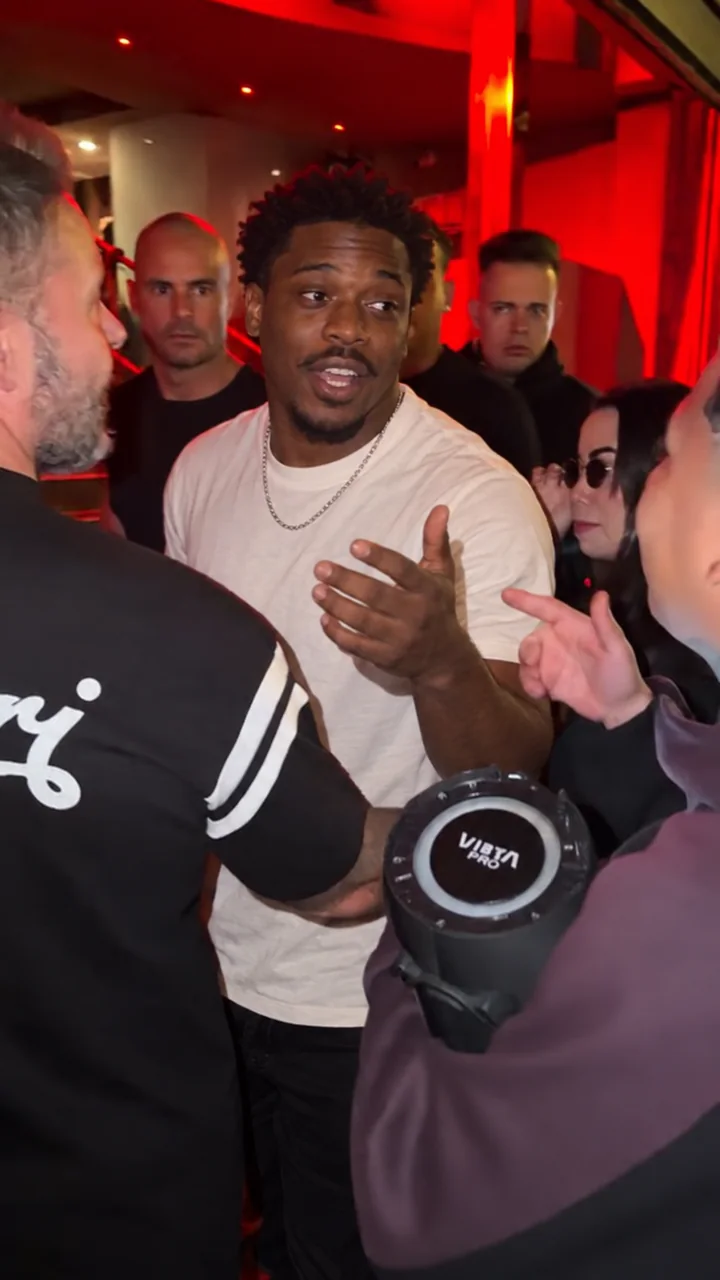
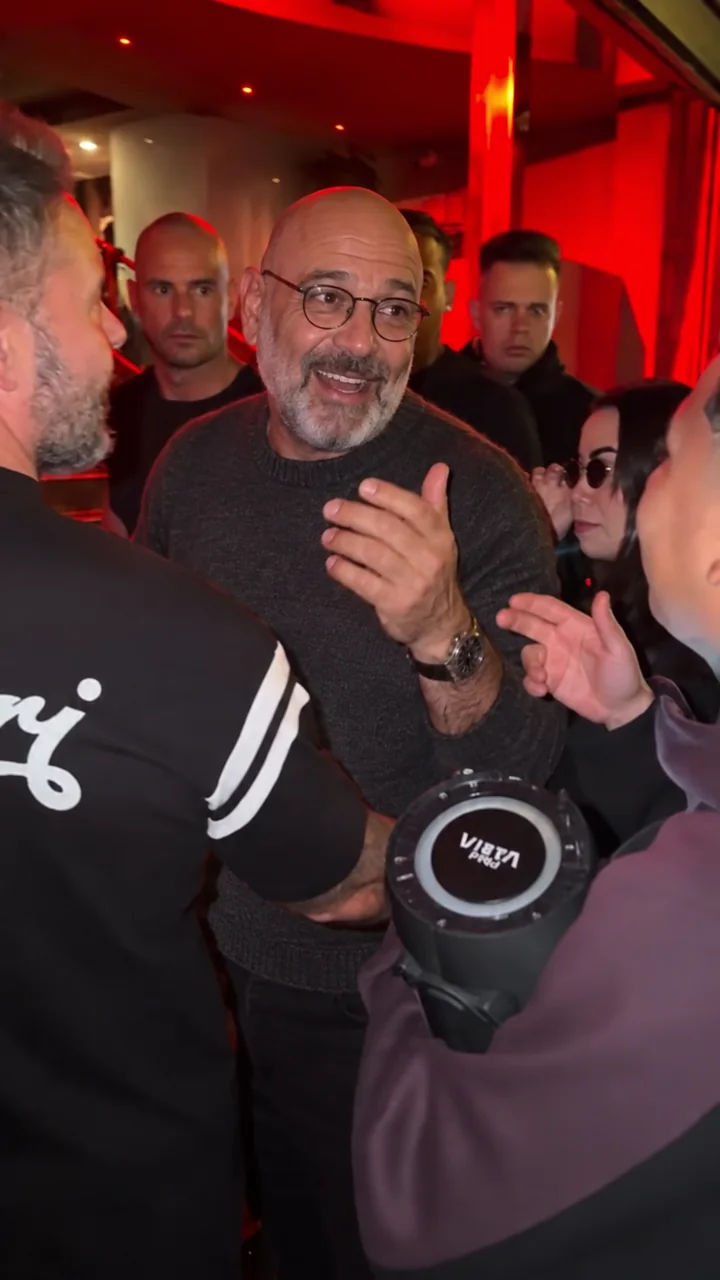
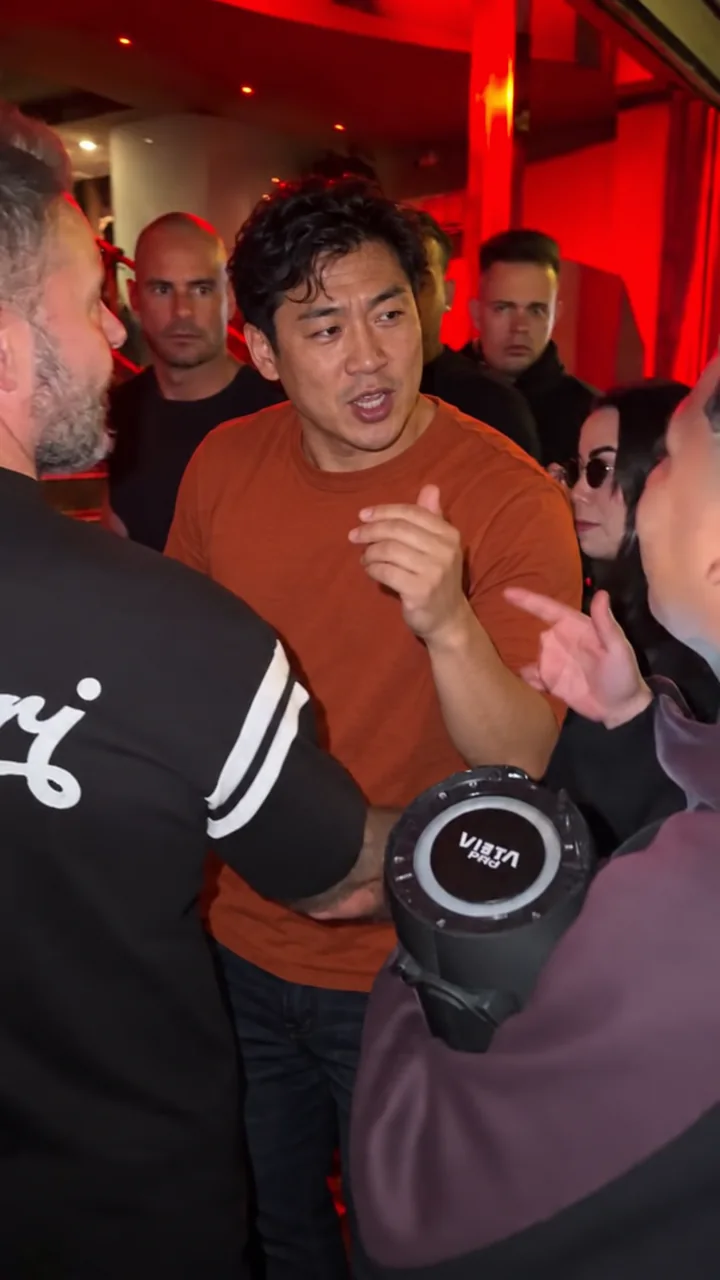
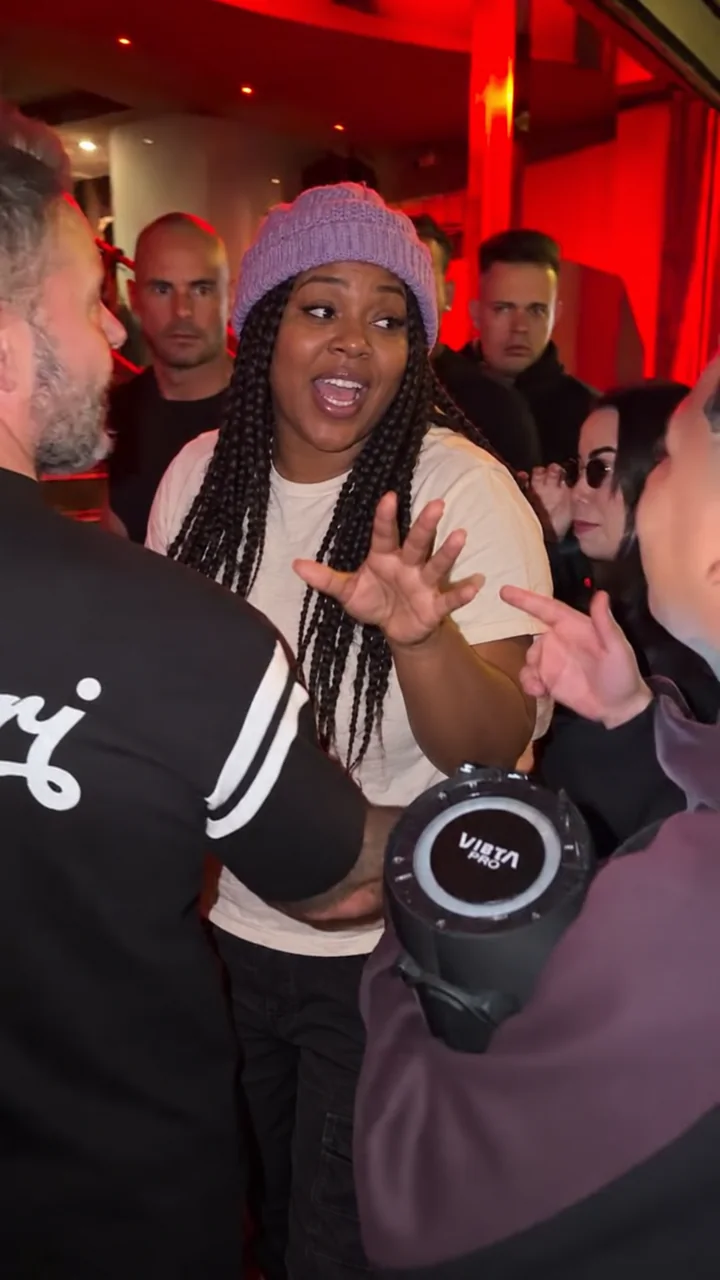
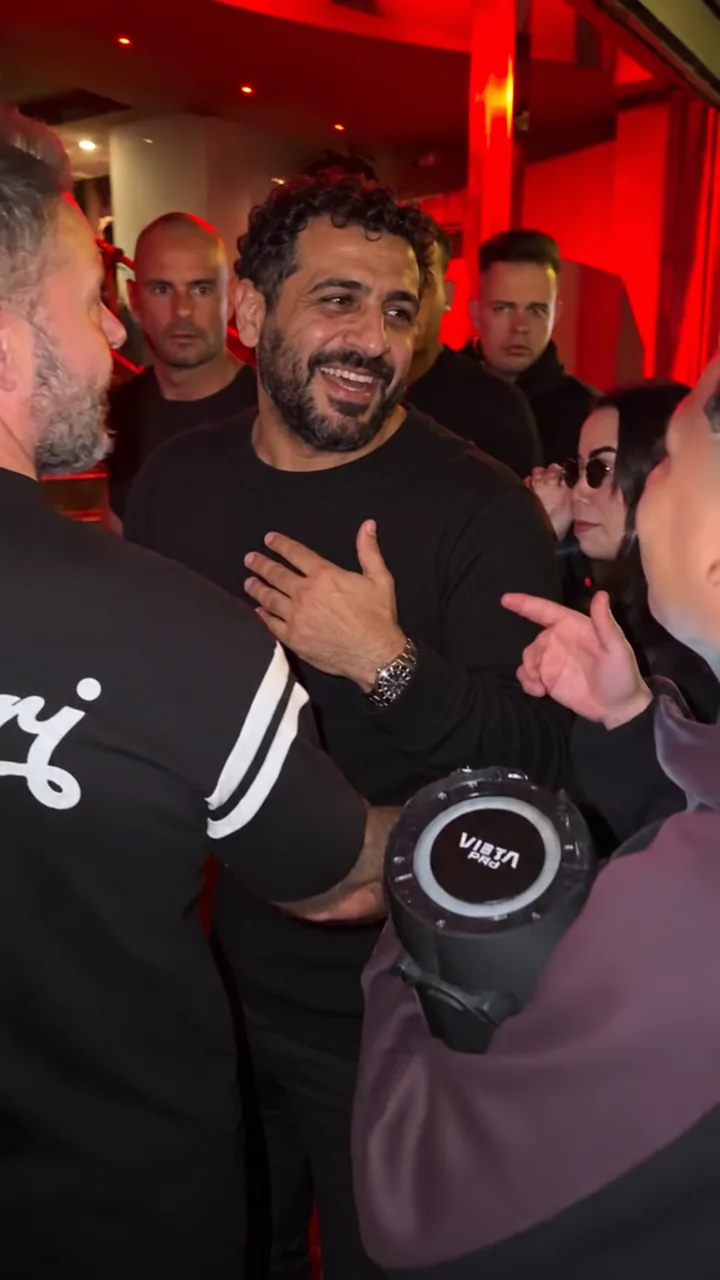
These are image illustrations with fictional lead characters. The comparison above shows an actual video made with Bulin47video.co.
06 / YOUR AI VIDEO
A Bulin 47 AI video generator uses your portrait as a reference for the new performer and a prepared scene as a guide for the Bulin 47 freestyle look. You do not need to record the routine, upload a source video or write a detailed prompt. The output is AI-generated entertainment, not footage of the person in your photo actually taking part in the original performance.
The close camera, lively crowd and performance-inspired movement give the result the familiar Bulin 47 video feel. The scene is a creative reference, not a promise that every background person, gesture or camera frame will match a specific source clip.
The person in the photo is the starting point for the generated performer. Lighting, angle and clarity affect how much identity information is available. Clothes, expressions and small facial details can change during the clip, especially when the head turns or a hand passes in front of the face.
The original song, voice and exact words from the viral freestyle are not guaranteed. Check your completed MP4 before posting. If you want to add a trending sound in TikTok or Reels, check its availability and usage rights for your account and post.
After generation, open the result in the creator or My videos. Watch the full vertical MP4, check the face and movement, and download a copy you want to keep. If a job is still processing, use My videos to check its status rather than submitting the same request again. A confirmed failed generation releases its reserved credits.
07 / KEEP EXPLORING
Looking for the original Bulin 47 freestyle, a step-by-step tutorial or credit details? These guides explain the video trend and how to make your own AI version from a photo.
See the original freestyle recording and follow the credited creator link, instead of confusing a repost or AI version with its source.
Prepare your portrait, understand the generation steps and check the finished clip before sharing.
Learn how a prepared scene guides the motion and camera, and why it differs from a conventional editing template.
See what the free photo preview does, when credits are needed and how the available video settings affect cost.
Recognize the camera, crowd and performance style that people keep referencing in their remixes.
08 / GOOD QUESTIONS
About the trend, your photo,
the AI scene images and what comes next.
The Bulin 47 video trend includes vertical freestyle remixes and AI videos inspired by a recognizable performance. Bulin47video.co generates personal AI videos from portraits of consenting adults, using a prepared scene as a movement and camera reference.
Choose a clear portrait of one consenting adult and check that the face and shoulders are visible. Sign in, choose 480p or 720p, then generate a clip using the prepared freestyle scene. Review the finished video and download your MP4 from the tool or My videos.
Use a front-facing JPG, PNG or WebP under 10 MB, with one adult in good light. Keep the face unobstructed and the shoulders in frame. Avoid sunglasses, heavy filters, group photos and very tight crops. Only use your own photo or a consenting adult's photo.
The credit cost depends on length and resolution: 10 credits for 6 seconds at 480p, 20 for 6 seconds at 720p, 25 for 15 seconds at 480p, or 50 for 15 seconds at 720p. The Mini pack costs $4.99 for 20 credits. Packs are one-time purchases, and you see the exact credits before generation. See pricing.
The original freestyle song, vocals and lyrics are not guaranteed. Check the completed MP4 before posting. If you add music in a social app, use audio that is available and permitted for your intended post.
The creator shows an estimated processing time before or during generation; actual times can vary with demand. You do not have to keep watching the page. Sign in with the same account and open My videos to check progress, play a completed result or download its MP4.
Selecting a photo creates a local browser preview. It is uploaded for processing only after you choose Generate. Your generation history is private to your account, and photos are not added to a public gallery. Use a photo you have permission to share.
The six gallery images are AI-generated illustrations with fictional adult lead characters, based on the freestyle scene. They are still images. The Original & AI Result comparison shows a video made with Bulin47video.co. Our guides also include credited community videos.
No. Bulin47video.co is an independent video tool. It is not affiliated with, sponsored by or endorsed by Bulin 47, Kevin Wai or their representatives.
YOUR PHOTO. YOUR FREESTYLE.
One clear photo. Your own freestyle moment.